 Nenpower
lock
This episode is for members
Unlock all 36 episodes of UG Coding — plus every other series — with one membership.
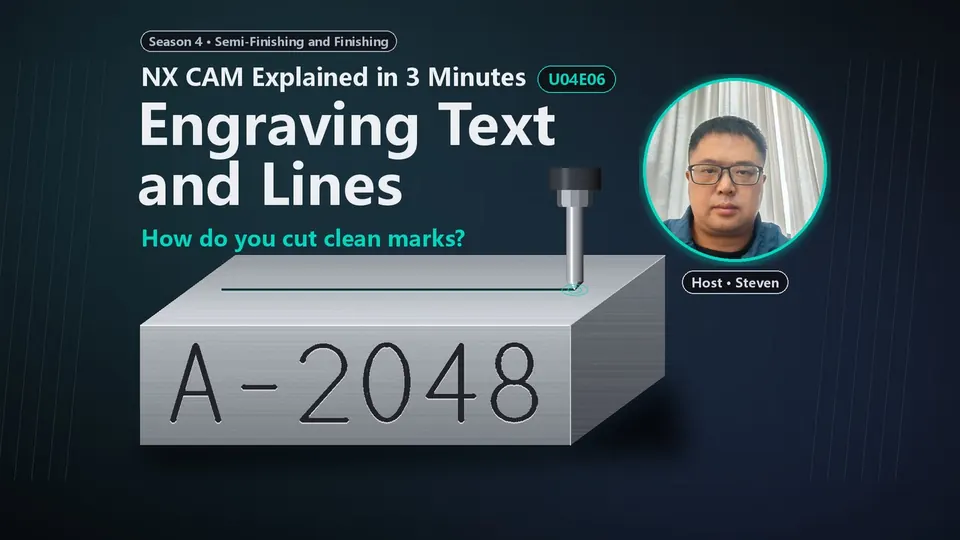
Engraving Text and Lines: How to Cut Clean Marks
S4 · E6
schedule3:07
lockMembers only
24 of 36
Engraved a part number with a planar mill and got blurry strokes and a drifting line?
This episode animates how engraving really works: the tool tip runs right on the stroke with no radius offset, why single-stroke fonts matter, how depth sets line width with a pointed tool, why curved faces need contour text instead of planar text, and how to engrave lines with a curve drive and negative stock.
⏱ Chapters
0:00 Blurry Engraved Text
0:33 The Tip Runs on the Line
1:06 Choose a Single-Stroke Font
1:32 Depth, Width and Curved Faces
2:12 Lines: Curve Drive and Negative Stock
2:44 Recap & Next