 Nenpower
Buffering…
Part, Blank and Check: Where to Cut, Where Not to Touch in NX CAM
S1 · E3
schedule2:52
Free episode
3 of 36
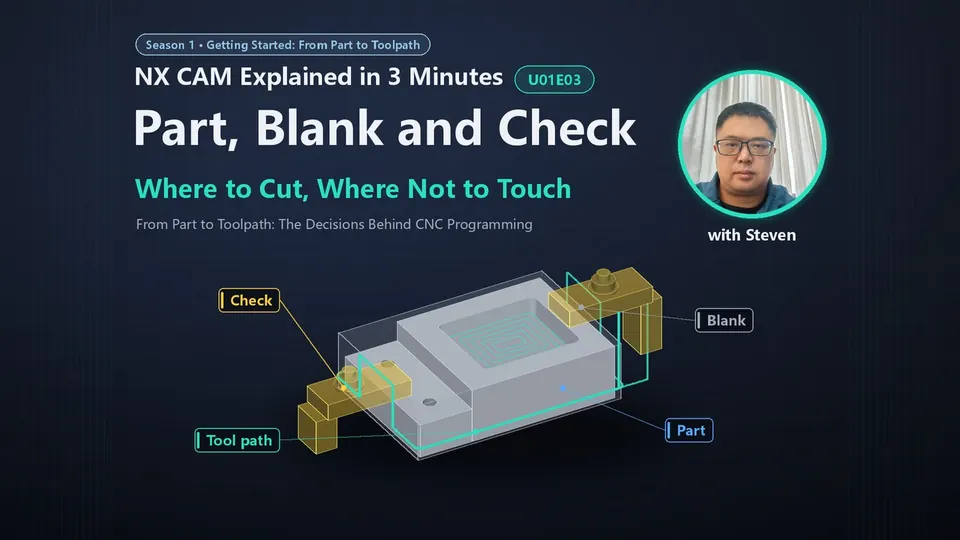
The tool path looked perfect in the software, so why did the tool hit a clamp? Usually because the geometry wasn't set. This episode animates why the part must include every finished face (miss one and you gouge), how to choose a bounding block or offset blank, why clamps, vises and the table belong in check geometry with check stock, how the In-Process Workpiece stops later operations from cutting air, and how a cut area or trim boundary limits where an operation cuts.
Enjoying UG Coding?
Unlock all — $10/mo
Unlock all 36 episodes and every other series.