

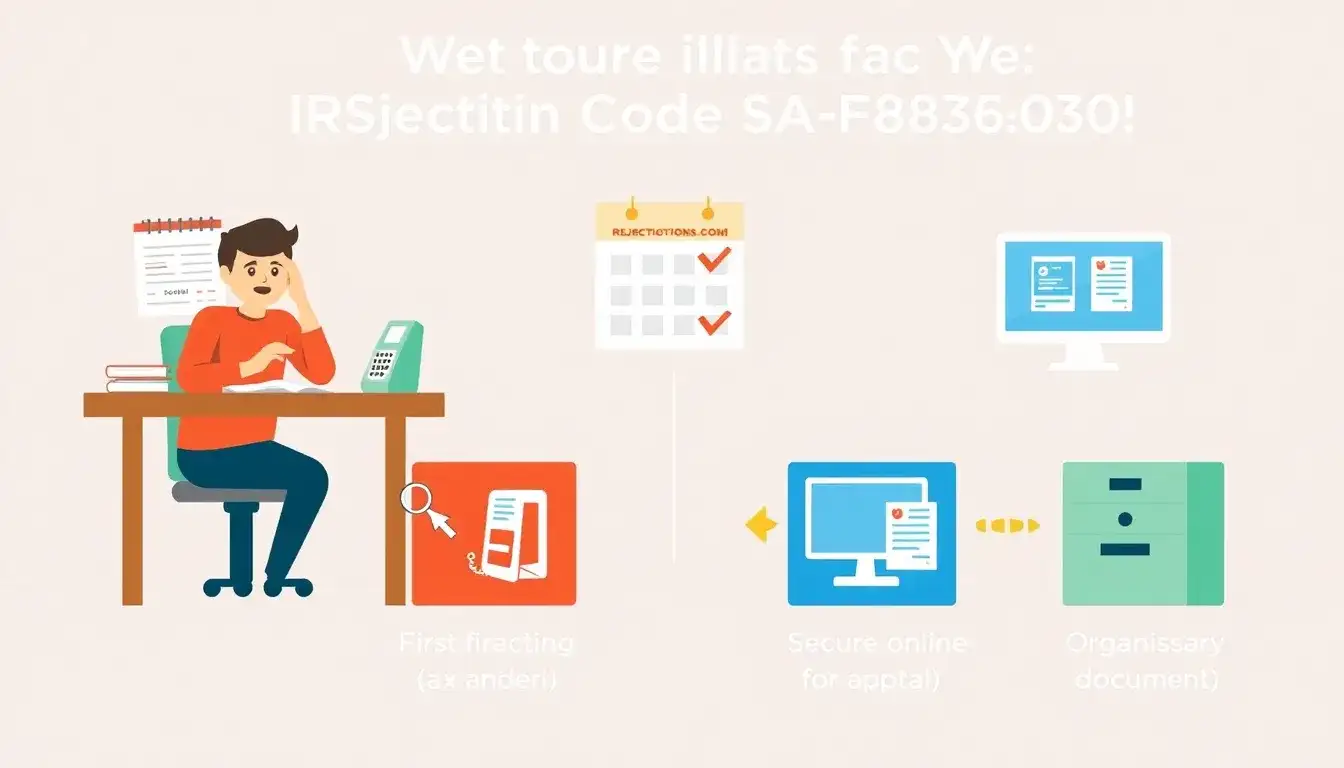
If your tax return encounters the IRS reject code SA-F8936-030, it indicates that the Vehicle Identification Number (VIN) entered for the Clean Vehicle Credit on Form 8936 does not match the IRS database. Here are the steps to resolve this issue:
Steps to Resolve SA-F8936-030 Reject Code
- Verify the VIN Accuracy
- Check the VIN entered on Form 8936 against the VIN on Form 15400, which you should have received from the seller.
- Ensure the VIN is correct as it is crucial for identifying the vehicle’s eligibility for the credit.
- Correct the VIN if Necessary
- If the VIN is incorrect, update it with the correct one on Form 8936 and recalculate the return.
- Confirm Vehicle Eligibility
- Visit fueleconomy.gov and energy.gov to confirm if the vehicle qualifies for the Clean Vehicle Credit based on its make, model, and year.
- Provide Substantiation if VIN is Correct
- If the VIN is correct but still causing the rejection, attach a PDF document providing evidence that substantiates the VIN. This could be a copy of Form 15400 or another relevant document. The attachment should be labeled with a description starting with “Substantiate VIN”.
- Re-file the Return
- Once corrections or substantiation is added, retransmit the return via e-file. If the issue persists, consider paper filing the return or filing without the credit and amending later when the dealer updates the IRS.
- Contact the Dealer if Necessary
- If the return was filed before the seller notified the IRS, contact the dealer to confirm they have sent the necessary information to the IRS via the Energy Credits Online (ECO) website.
Original article by NenPower, If reposted, please credit the source: https://nenpower.com/blog/what-steps-should-i-take-if-the-irs-reject-code-is-sa-f8936-030/

