

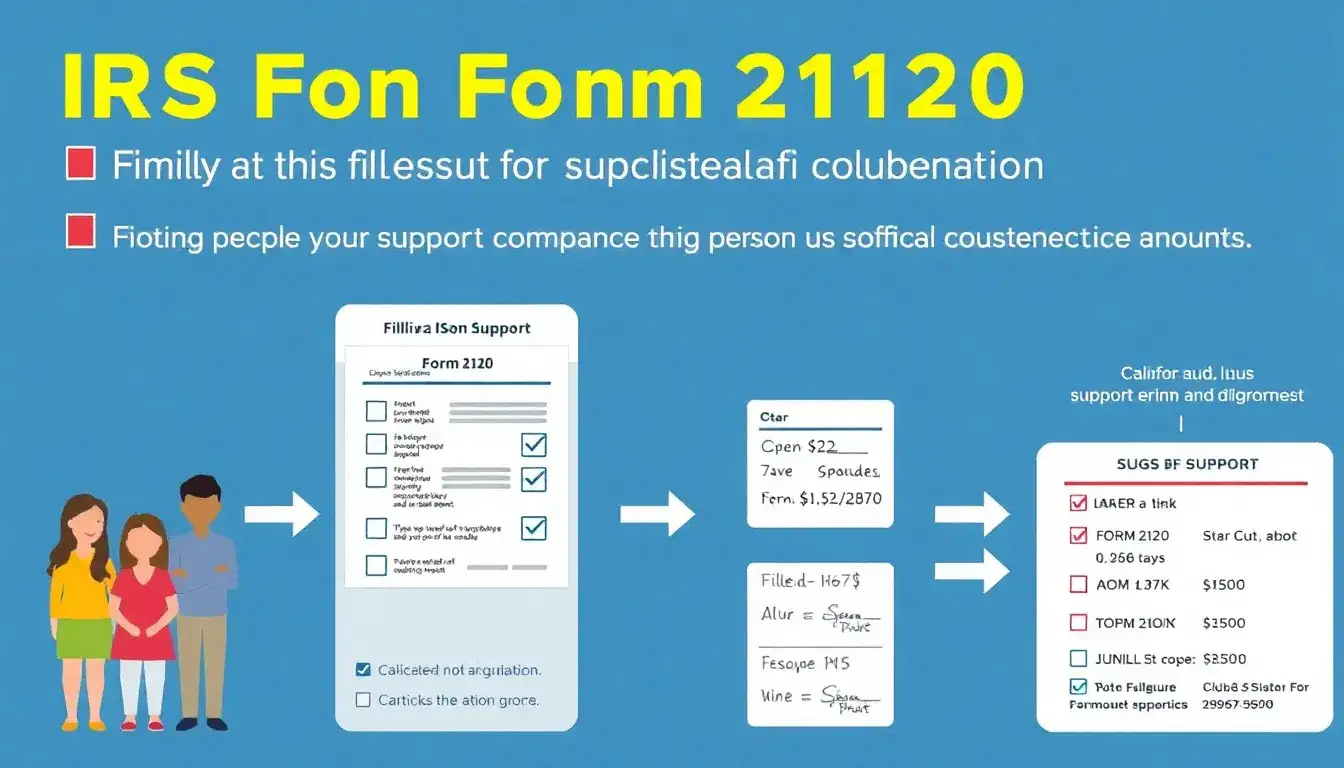
To use IRS Form 2120 for multiple support declarations, follow these steps to claim a qualifying relative as a dependent when multiple contributors share support costs:
Eligibility Requirements
- Shared support: Multiple individuals must each contribute at least 10% of the dependent’s total support, but no single person pays over 50%.
- Agreement: All eligible contributors (who paid ≥10%) must provide signed statements waiving their right to claim the dependent.
- Dependent criteria: The person must meet IRS rules for a qualifying relative (under $5,050 gross income in 2024, not self-supporting, specific relationship).
Form 2120 Instructions
- Taxpayer section:
- Enter your name and Social Security Number (as on your tax return).
- Specify the tax year and the dependent’s name.
- List eligible contributors:
- For each person who paid ≥10% of support, provide their:
- Name
- Address (city, state, ZIP)
- Social Security Number.
- Up to 4 contributors can be listed directly on the form. For 5+ contributors, attach a separate statement with the same details.
- For each person who paid ≥10% of support, provide their:
- Certification:
- Confirm that all listed contributors have signed statements relinquishing their claim to the dependent.
- Attach these signed waivers to your tax return (do not mail them unless the IRS requests proof).
Key Considerations
- Group agreements: Common for siblings sharing elder parent care costs.
- Audit risk: Retain copies of signed waivers for at least 3 years in case of IRS verification.
- Filing: Submit Form 2120 as part of your paper or e-filed tax return (no separate submission).
For clarity, here’s a simplified example:
If you paid 40% of your parent’s support and two siblings contributed 30% each, any of you could claim the parent as a dependent if the other two sign Form 2120 waivers.
Original article by NenPower, If reposted, please credit the source: https://nenpower.com/blog/how-do-i-use-form-2120-to-claim-multiple-support-declarations/

