

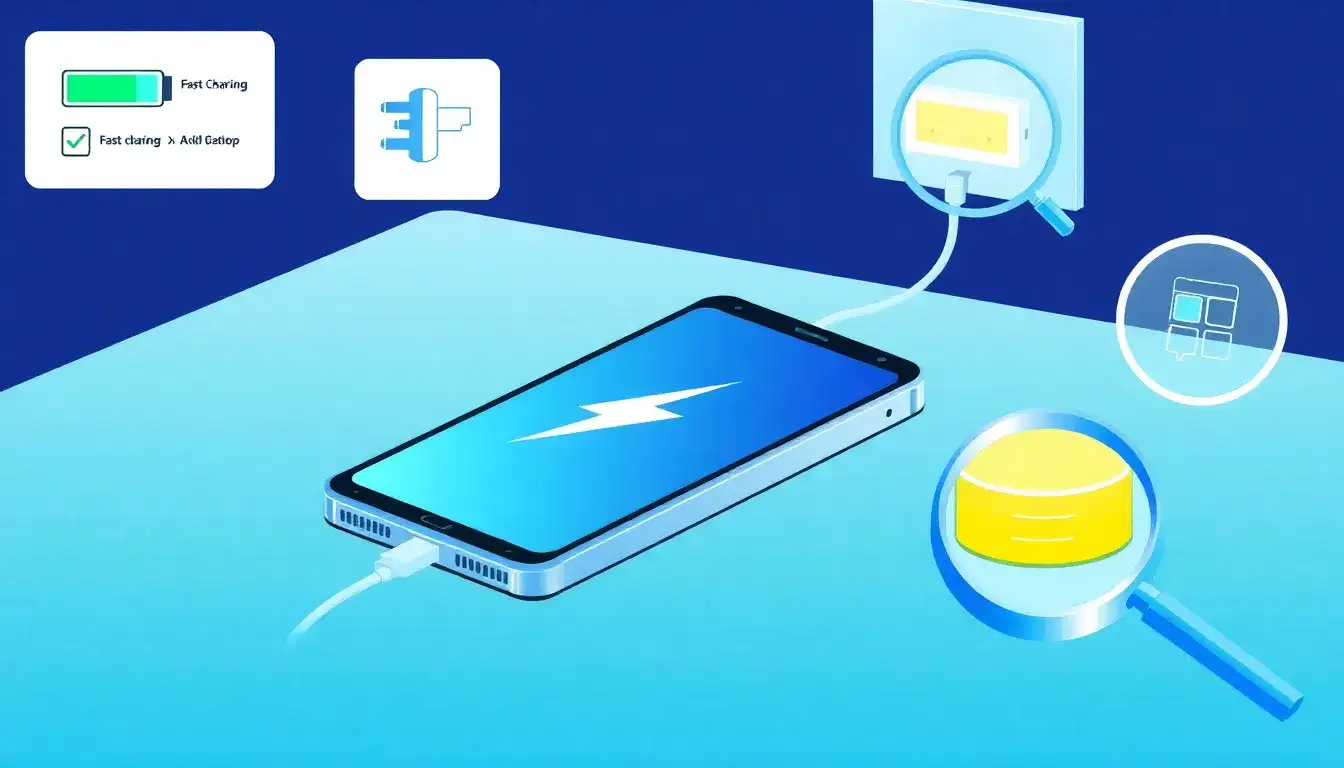
How to Tell If Your Phone Supports Fast Charging
- Check the manufacturer’s official product page or website: Most brands list fast charging support in the battery specifications section, often showing the charging speed in watts (e.g., 15W, 18W, 45W) indicating how fast the phone can charge.
- Look at the product packaging or documentation: The box or included manuals often mention whether the phone supports fast charging and the charging speed details.
- Inspect the charger included with your phone: The charger might have its power output printed on it, like “5V 2A” or “9V 2A,” which suggests fast charging capability. Chargers supporting fast charging typically display wattage or technologies such as “Quick Charge 2.0” or “QC3.0.” However, not all bundled chargers match the phone’s maximum fast charging speed.
- Check your phone’s settings or charging indicator: Many phones show a “Fast charging” notification or a lightning bolt symbol in the battery icon when connected to a fast charger. Settings menus under Battery or Charging may allow you to toggle or verify fast charging status (Samsung phones, for example, offer this feature in settings).
- Contact the manufacturer: If the above methods don’t provide clear information, reaching out to the phone manufacturer can confirm whether your model supports fast charging.
Special Notes for iPhones
- iPhones generally fast charge starting at double-digit wattage chargers (like 18W or 20W). The charger itself will display the wattage rating. iPhones show no specific notification for fast charging but will charge faster if connected to a compatible charger (e.g., iPhone 11 with a 20W adapter).
Summary
To confirm fast charging support, the best approach is to look up your phone’s official specifications for charging wattage, check the charger’s output rating, and observe any fast charging indications on your phone during charging.
Original article by NenPower, If reposted, please credit the source: https://nenpower.com/blog/how-can-i-tell-if-my-phone-supports-fast-charging/

