

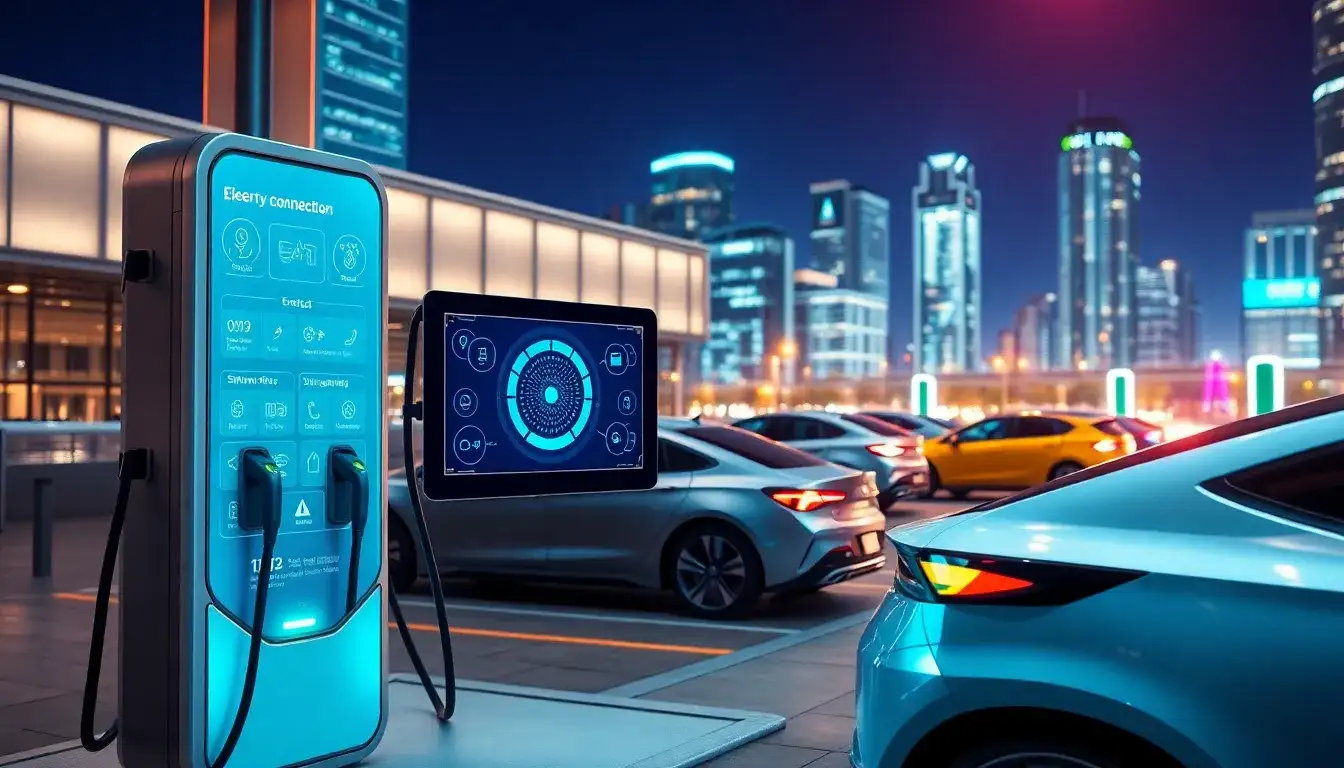
Here’s how to identify software glitches in your EV charging station:
1. Error messages or unresponsive displays
Check for frozen screens, random reboots, or unusual error codes on the station’s interface. Frequent system crashes during charging sessions are strong indicators of software issues.
2. Charging inconsistencies
Watch for unexpected behavior like:
- Intermittent charging (starts/stops randomly)
- Incorrect charge rates
- Failure to recognize your vehicle
3. Connectivity problems
Look for Wi-Fi/network disconnections or app synchronization failures if your station has smart features. These often stem from firmware bugs.
4. Update-related issues
Recent firmware updates sometimes introduce new bugs. If problems began after an update, roll back to the previous version if possible.
5. Diagnostic tools
Use the manufacturer’s mobile app (if available) to check for:
- Firmware version mismatches
- System logs showing software errors
- Failed self-test results
6. Cross-verification
Test your EV with a different charging station, and try another EV on your charger. If the issue follows the charger, it’s likely a software glitch.
Immediate next steps:
Perform a hard reset (unplug station for 30+ seconds), then check for pending firmware updates. If issues persist, contact the manufacturer with specific error details. For advanced diagnostics, a professional technician can analyze system logs and perform deep firmware checks.
Original article by NenPower, If reposted, please credit the source: https://nenpower.com/blog/how-can-i-identify-if-my-ev-charging-station-has-a-software-glitch/

