

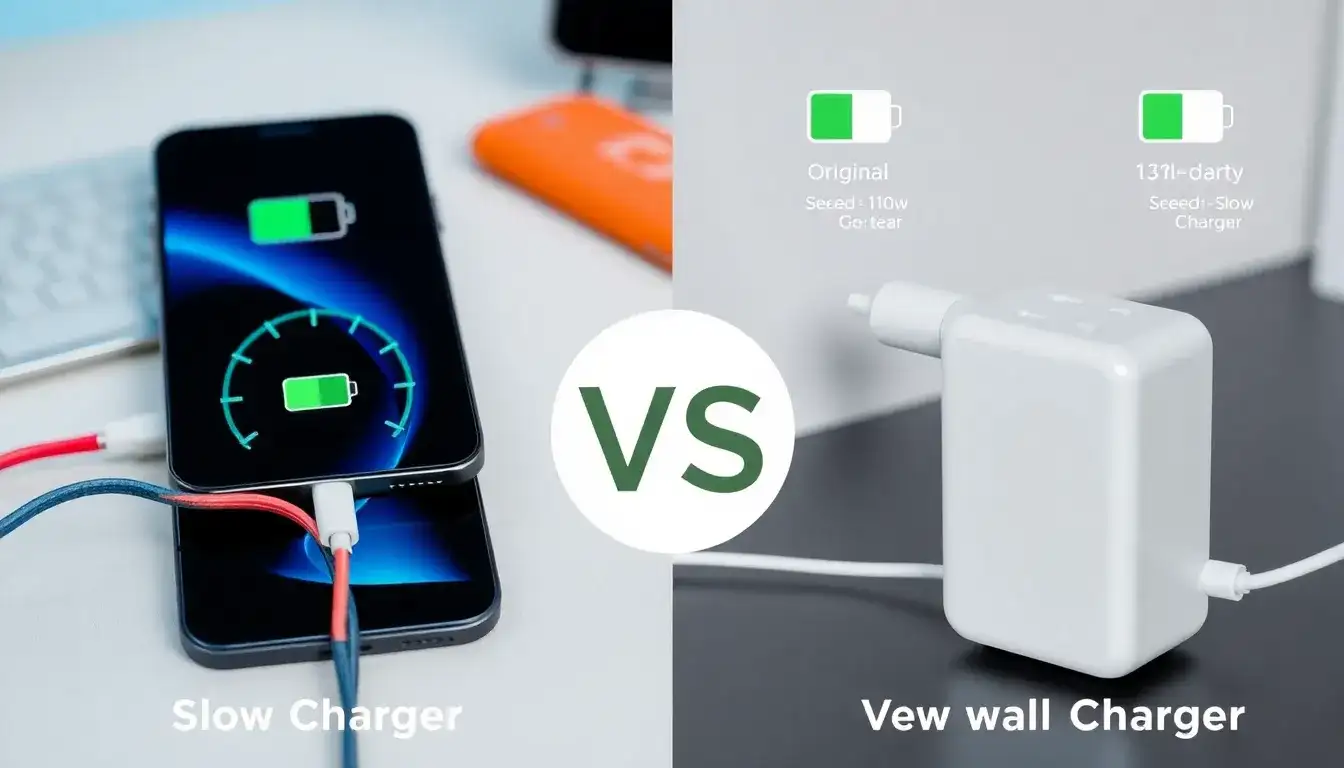
To identify if your charger or cable is causing slow charging, follow these steps:
- Check the Quality and Compatibility:
- Ensure that you’re using a charger and cable that are compatible with your device. Using low-quality or incompatible chargers can significantly reduce charging speed.
- Original or certified chargers and cables are recommended for optimal performance.
- Inspect the Cable and Charger:
- Look for any visible signs of damage on the cable or charger, such as fraying or exposed wiring. Damaged cables can impede charging efficiency.
- Check for loose connections. Make sure the charger and cable are securely plugged in.
- Test with Different Equipment:
- Try using a different charger and cable to see if they improve the charging speed. If the charging speed increases, the issue might be with your original charger or cable.
- Use a high-amperage charger that matches your device’s specifications for faster charging.
- Clean the Charging Port:
- Ensure that the charging port is free from dirt or corrosion, as these can slow down charging. Clean it gently with a small brush or cotton swab.
- Monitor Background Apps:
- Close unnecessary background apps that might be consuming power and slowing down the charging process.
- Check Environmental Factors:
- Avoid charging in extreme temperatures or environments, as this can affect charging efficiency.
If after these checks your charging speed doesn’t improve, other factors like battery health or software issues might be contributing to the problem.
Original article by NenPower, If reposted, please credit the source: https://nenpower.com/blog/how-can-i-identify-if-my-charger-or-cable-is-causing-slow-charging/

